
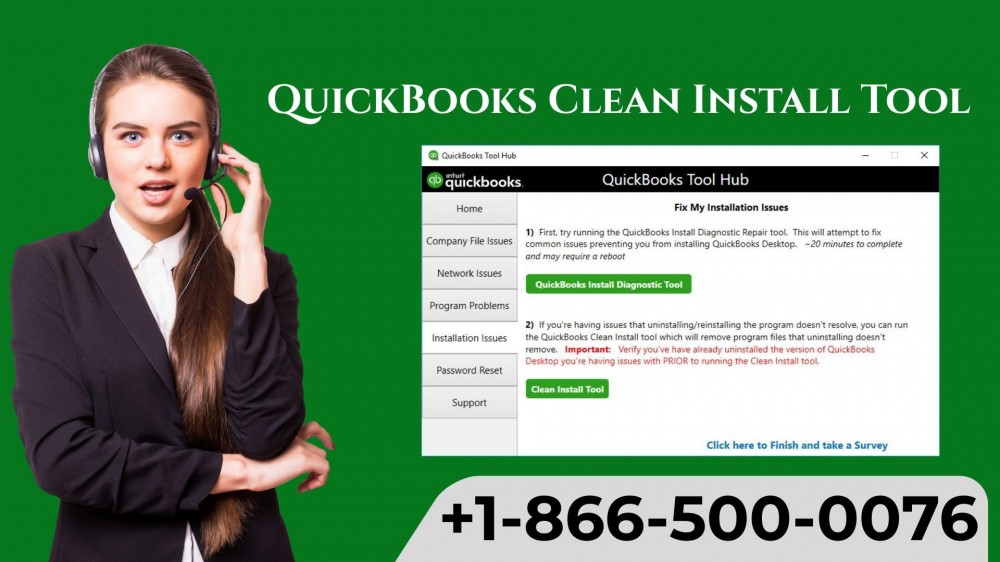
If you're facing installation issues or errors in QuickBooks, the QuickBooks Clean Install Tool is your ultimate solution. This tool is designed to remove all damaged or corrupted files and let you start fresh without losing your valuable financial data. In this guide, we'll walk you through every step, ensuring you can reinstall QuickBooks seamlessly in 2025.
Why Use the QuickBooks Clean Install Tool?
Many QuickBooks users encounter installation errors like:
-
QuickBooks not opening
-
Error codes 1603, 1904, or 9999
-
Multi-user mode failures
-
Missing or corrupted company files
Instead of troubleshooting endlessly, the QuickBooks Clean Install Tool ensures a clean slate, saving time and preventing further issues.
Prerequisites Before Using the Tool
Before diving into the clean install, make sure you have:
-
Backup Your Company Files – Always backup your
.QBWfiles to prevent data loss. -
Product & License Information – Keep your QuickBooks license number ready.
-
Internet Connection – Required for downloading updates after installation.
-
Admin Rights – Ensure your Windows account has admin privileges.
Step-by-Step Guide to Using QuickBooks Clean Install Tool
Follow these steps carefully for a successful clean install:
Step 1: Uninstall QuickBooks
-
Go to Control Panel > Programs and Features
-
Select QuickBooks Desktop and click Uninstall/Change
-
Follow the prompts to remove the software
Step 2: Rename Installation Folders
-
Navigate to these folders and rename them by adding
.oldat the end:-
C:\Program Files\Intuit\QuickBooks -
C:\ProgramData\Intuit\QuickBooks
-
-
This prevents leftover files from interfering with reinstallation
Step 3: Download the QuickBooks Clean Install Tool
-
Visit the official QuickBooks website
-
Download the QuickBooks Clean Install Tool for 2025
-
Save it in an easy-to-access folder
Step 4: Run the Tool
-
Right-click the tool and select Run as Administrator
-
Accept the license agreement
-
Choose your QuickBooks version and click Continue
-
Wait for the tool to finish renaming files
Step 5: Reinstall QuickBooks
-
Use your original QuickBooks installer
-
Follow the on-screen instructions
-
Enter your license and product number when prompted
-
Complete the installation
Step 6: Update QuickBooks
-
Open QuickBooks
-
Go to Help > Update QuickBooks Desktop
-
Download and install all the latest updates
Step 7: Restore Your Company Files
-
Open QuickBooks and navigate to File > Open or Restore Company
-
Select your backup and restore it to continue work without data loss
Tips for a Smooth Installation
-
Temporarily disable antivirus software before installation
-
Ensure Windows updates are installed
-
Avoid installing QuickBooks on a network drive for the initial setup
-
Keep your system free from unnecessary programs during installation
Common Errors Resolved by QuickBooks Clean Install Tool
-
Error 1603 / 1904 – Installation errors due to damaged components
-
QuickBooks Not Opening – Files and folders reset by the tool
-
Multi-User Mode Issues – Removes corrupt network files interfering with setup
How to Call QuickBooks Support
Even after using the QuickBooks Clean Install Tool, if you face persistent errors, professional support may be required. Contact QuickBooks experts at +1(866)500-0076 for instant help.
Conclusion
The QuickBooks Clean Install Tool is an essential utility for resolving installation issues and maintaining a smooth QuickBooks experience. Following this step-by-step guide ensures a clean reinstall, updated software, and restored company files in 2025.
FAQs
Q1: Can I use the Clean Install Tool on any QuickBooks version?
Yes, it supports most QuickBooks Desktop versions. Always check compatibility on the official site.
Q2: Will my data be lost during clean install?
No, as long as you backup your company files before uninstalling QuickBooks.
Q3: How long does the clean install process take?
Typically, 20-40 minutes depending on your system speed and QuickBooks version.
Q4: What if the tool doesn’t work?
Ensure you have admin rights and antivirus is temporarily disabled. If problems persist, call +1(866)500-0076 for expert support.
Q5: Can I reinstall QuickBooks multiple times using this tool?
Yes, you can use it whenever installation issues occur, but always backup your data first.