
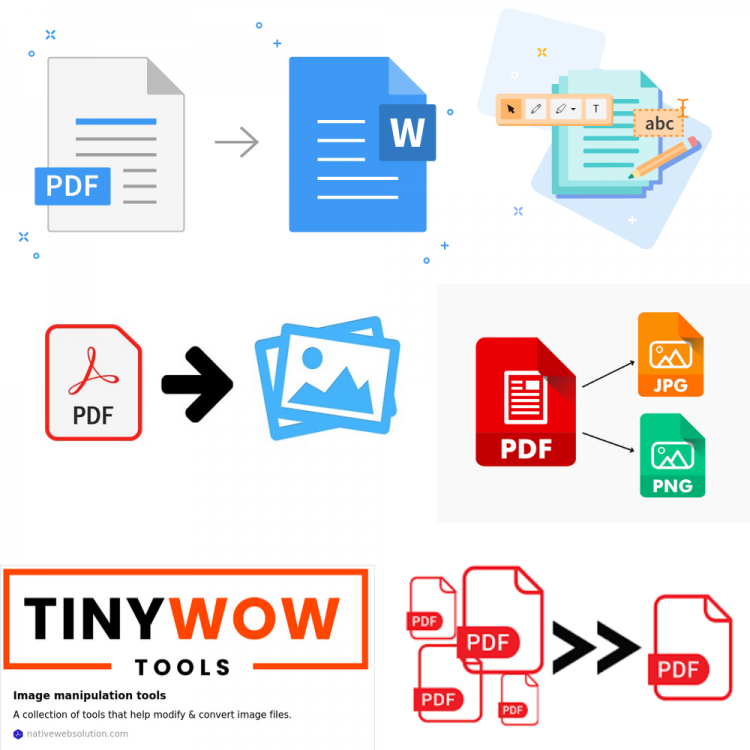
PDF files are everywhere—from official documents to eBooks and reports. But what if you need to make changes to a PDF and don’t have Adobe Acrobat? Fortunately, you don’t need to buy expensive software to edit PDFs anymore.
There are plenty of free and easy-to-use alternatives that let you edit PDF files, annotate, and convert them without Adobe Acrobat. In this guide, we’ll explore the best methods to edit PDFs quickly and efficiently without paying a dime.
Why Edit PDF Files Without Adobe Acrobat?
Adobe Acrobat is the industry standard for PDF editing, but it comes with a subscription cost that many find prohibitive.
Plus, its interface can be complex for casual users. Luckily, today’s technology offers several free PDF editor tools that can handle most PDF editing tasks without compromising quality or security.
These tools are perfect for students, professionals, or anyone who needs to make quick edits to PDFs without the hassle.
Top Methods to Edit PDFs Without Adobe Acrobat
Use Free Online PDF Editors
Online PDF tools are a convenient way to edit PDF files without installing any software. Here are some popular, trusted options:
- Smallpdf: Offers a suite of PDF tools including text editing, image insertion, merging, and converting PDFs to other formats.
- ILovePDF: Known for its user-friendly interface, ILovePDF allows you to annotate, compress, split, and convert PDF documents easily.
- Sejda PDF Editor: A powerful editor that supports text editing, image addition, page rearrangement, and even password protection.
- PDFescape: Great for basic editing and annotations with an intuitive interface.
- Xodo: A comprehensive editor accessible via browser that supports text editing, annotations, and signing documents.
- TinyWow Tools: We provide a comprehensive suite of online PDF tools for all your PDF, image, and file needs. Convert, merge, split, compress, or edit PDF files easily with TinyWow’s free PDF editor and user-friendly tools. Join our community of PDF enthusiasts and experience the power of seamless file management.
Pros: No installation, accessible from any device, free to use for basic features.
Cons: Limited file size/upload restrictions, privacy concerns for sensitive documents.
Edit PDF in Microsoft Word
Did you know you can open and edit PDFs directly in Microsoft Word? Here’s how:
- Open Microsoft Word and select File > Open, then choose your PDF file.
- Word will convert the PDF into an editable document. This works best for PDFs with mostly text and simple layouts.
- Edit the text, images, and layout as needed.
- Once done, save the file back as a PDF by choosing Save As > PDF.
Note: Complex PDF layouts might not convert perfectly, so double-check formatting after editing.
Use Free Desktop Software
For offline editing and enhanced privacy, try these desktop PDF editors:
- Foxit PDF Editor: A robust alternative with features like text and image editing, annotation, and form filling.
- PDFelement: Offers a user-friendly interface and powerful editing tools that rival Adobe Acrobat.
- LibreOffice Draw: A free, open-source tool capable of opening and editing PDFs.
These programs provide greater control over your files without the need for internet access.
Mobile Apps for PDF Editing
Need to edit PDFs on the go? Mobile apps like Xodo PDF Reader & Editor and PDFelement Mobile let you annotate, fill forms, and make quick edits from your smartphone or tablet. Available on both Android and iOS, these apps are perfect for busy professionals.
Convert PDFs to Editable Formats and Edit
Another way to edit PDF files without Adobe Acrobat is by converting the PDF to an editable format:
- Use tools like Smallpdf, Google Drive, or TinyWow’s free PDF editor to convert PDFs into Word or Google Docs format.
- Edit the converted document freely.
- Export or save the final version back as a PDF.
This method is especially useful when heavy editing or reformatting is needed.
How to Annotate and Fill PDF Forms Without Adobe Acrobat
Editing isn’t just about changing text. You might need to highlight, add comments, or fill out forms:
- Online editors like Xodo, PDFescape, and TinyWow allow you to annotate, highlight text, add sticky notes, and fill out PDF forms easily.
- Mac users can use the built-in Preview app for annotations and signing documents.
- Many mobile PDF editors also support these features.
Tips and Best Practices for Editing PDFs Without Acrobat
- Always keep a backup of your original PDF before making edits.
- Review the document carefully after editing to catch formatting changes or errors.
- Avoid uploading sensitive or confidential PDFs to unknown online editors to protect your privacy.
- Use reputable editors with good reviews to reduce risks of malware or data leaks.
Frequently Asked Questions (FAQs)
Q: Is it possible to edit a PDF without Adobe Acrobat?
A: Yes, there are many free and paid online PDF tools available that allow you to edit PDFs without Adobe Acrobat, including online editors, Microsoft Word, and desktop software.
Q: What free online PDF editors are reliable?
A: Smallpdf, ILovePDF, Sejda, PDFescape, Xodo, and TinyWow are some of the most trusted free online PDF editors.
Q: How do I edit scanned PDFs?
A: Scanned PDFs are images, so you’ll need OCR (Optical Character Recognition) software or services like Adobe Acrobat Pro, PDFelement, or online OCR tools to convert them into editable text.
Q: Can I edit PDFs on my phone?
A: Yes, apps like Xodo and PDFelement Mobile let you edit PDFs directly on your smartphone or tablet.
Q: How do I save an edited PDF without losing quality?
A: Always use the "Save As" or "Export" function and choose PDF format. Avoid repeatedly converting between formats to preserve quality.
Conclusion
Editing PDF files without Adobe Acrobat is easier than ever thanks to a wide range of free and user-friendly online PDF tools.
prefer an online editor like TinyWow’s free PDF editor, Microsoft Word, desktop software, or mobile apps, you can quickly make changes to PDFs without breaking the bank.
Choose the method that suits your needs best, and start editing your PDFs today—no Adobe Acrobat required!