
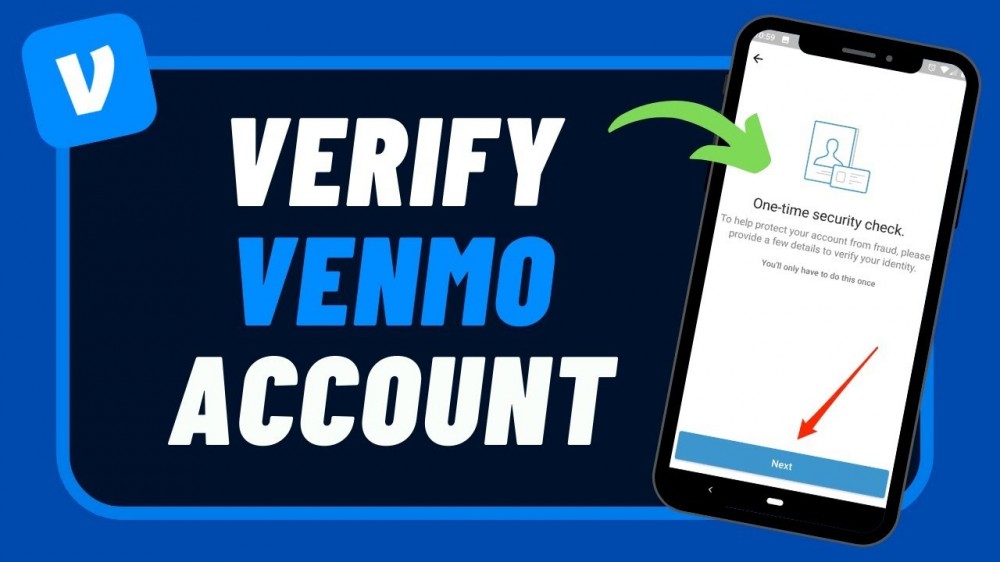
If you are new to Venmo or are looking to enjoy its full range of features, understanding the Venmo account verification process is essential. Venmo, owned by PayPal, is a popular mobile payment platform in the U.S., allowing users to send and receive money quickly. However, to ensure security and comply with financial regulations, Venmo requires account verification. This guide will walk you through how to verify your Venmo account, why it’s necessary, and what steps are involved in the verification process.
Why is Venmo Account Verification Important?
Verifying your Venmo account isn’t just a formal procedure; it unlocks additional features, enhances your transaction limits, and strengthens the security of your funds and personal information. This verification process is required by financial regulatory bodies to confirm users’ identities, ensuring the safety of funds and protecting against fraudulent activity.
Once you have a Venmo verified account, you gain access to these benefits:
- Increased Transaction Limits: Verified accounts enjoy higher limits on sending, receiving, and transferring funds.
- Enhanced Security: Verification helps Venmo confirm that you are the legitimate account holder, protecting your funds from unauthorized access.
- Ability to Use Certain Features: Only verified users can transfer funds from Venmo to their bank accounts and vice versa.
Step-by-Step Guide to Verify Venmo Account
If you’re ready to get started with verifying your Venmo account, here’s a detailed walkthrough of the entire process.
- Open the Venmo App and Access Settings
To begin, open the Venmo app on your mobile device and log in. Once you’re logged in:
- Tap on the menu icon (usually represented by three horizontal lines) in the top left or right corner.
- Scroll down to Settings and select it to open a new menu.
- Choose the 'Identity Verification' Option
In the Settings menu, look for the option labeled Identity Verification. This option directs you to the verification process for confirming your identity, which is a key step in completing your Venmo account verification.
- Provide Personal Information
Venmo will prompt you to enter some basic personal information as part of the process to verify your identity:
- Full Name
- Date of Birth
- Social Security Number (SSN)
- Address
This information is essential for Venmo to validate your identity and meet regulatory requirements. Make sure all details match those on your government-issued ID to avoid issues with verification.
- Upload a Government-Issued ID
To further authenticate your account, Venmo may ask for a government-issued ID, such as a driver’s license or passport. This additional step is designed to protect both users and Venmo from fraudulent activity.
Here’s how to upload your ID:
- Take a clear photo of your ID (front and back if needed).
- Ensure that the details on the ID are legible and that the entire ID is visible.
- Upload the photo directly through the app when prompted.
- Wait for Venmo to Review Your Information
Once you’ve submitted your information and ID, Venmo will review it. The verification process typically takes between 1-3 business days, depending on the volume of verification requests. You’ll receive a notification from Venmo once your account is verified or if any additional information is required.
How to Complete Venmo Bank Account Verification
In addition to verifying your identity, Venmo may require you to verify your bank account before you can transfer funds. This step ensures that the bank account linked to your Venmo account is genuinely yours.
- Link Your Bank Account to Venmo
- Open the Venmo app and go to Settings.
- Select Payment Methods and then choose Add a Bank or Card.
- Follow the prompts to enter your bank account details.
- Verify the Linked Bank Account
Venmo offers two methods for bank account verification:
- Instant Verification: Venmo partners with Plaid to instantly verify certain banks. You’ll need to provide your online banking credentials, which will be authenticated through Plaid.
- Micro-Deposits Verification: If instant verification isn’t available, Venmo will send two small deposits to your bank account, typically under $1. Check your bank statement for these deposits, which should arrive within 1-3 business days.
Once the deposits arrive:
- Return to the Venmo app.
- Go to Settings > Payment Methods, select your bank, and enter the exact amounts of the micro-deposits to confirm your account.
Troubleshooting Common Issues in Venmo Account Verification
Sometimes, users encounter issues while verifying their Venmo accounts. Here are some common problems and tips to help resolve them:
- Incorrect Information: Ensure your personal information matches what’s on your government-issued ID.
- Issues with SSN: If you’re not comfortable providing your full SSN, Venmo may allow you to enter the last four digits. However, this may limit some features.
- Photo ID Not Accepted: Ensure your ID photo is clear, well-lit, and meets Venmo’s guidelines.
- Bank Account Verification Fails: If micro-deposits don’t appear, double-check your account information and ensure there are no restrictions on small deposits in your bank account.
If issues persist, contact Venmo’s Customer Support for further assistance. They can provide guidance and may help resolve any additional verification issues you encounter.
Conclusion
Completing the Venmo account verification process unlocks the full potential of Venmo, enhancing security and enabling full access to all available features. From identity verification to bank account verification, this guide has detailed each step to ensure you can verify your account seamlessly. By following these instructions, you’ll not only secure your Venmo account but also enjoy increased transaction limits and a better overall experience on the platform.
FAQs
- Why is Venmo asking for my Social Security Number (SSN)?
Venmo requires an SSN to verify users’ identities as part of regulatory compliance. This step ensures security and protects against fraud.
- How long does the Venmo verification process take?
The verification process typically takes 1-3 business days. However, it may take longer depending on the volume of requests.
- Can I use Venmo without verification?
Yes, but unverified accounts have limited functionality. Verifying your account unlocks higher transaction limits and allows you to transfer funds to your bank account.
- What if my Venmo account verification fails?
If verification fails, check that your information matches your ID. You can also contact Venmo’s support team for help.
- Is it safe to provide my bank information to Venmo?
Yes, Venmo uses encryption and secure systems to protect users’ bank information.