
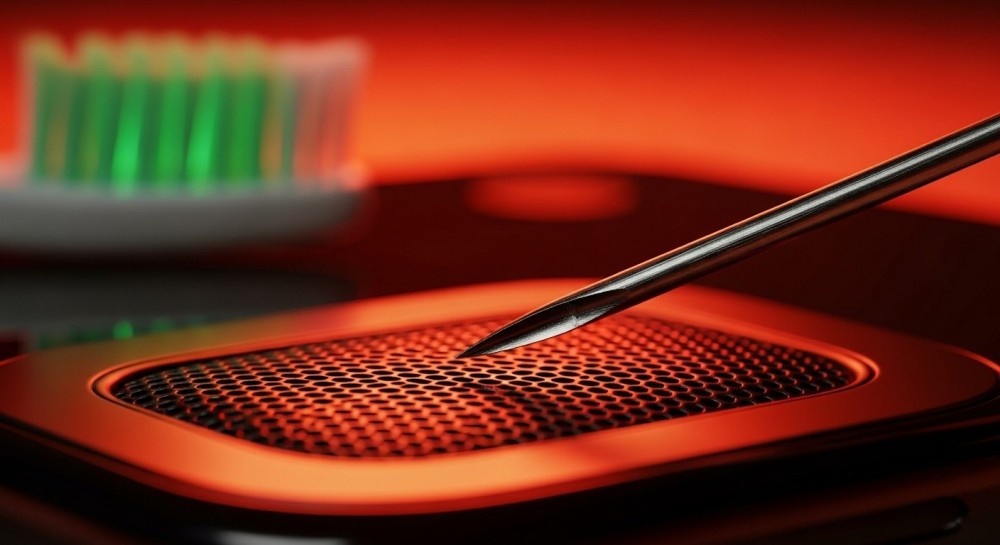
Smartphones have become an essential part of everyday life. From listening to music and watching videos to making calls and joining online meetings, we rely on our phone speakers constantly. But many users notice that after some time, their phone’s audio starts sounding muffled, quiet, or distorted.
Most people immediately assume their phone speaker is damaged. In reality, the issue is often much simpler and can be fixed without opening the phone or visiting a repair shop.
Understanding why phone speakers lose clarity and how to restore them can save both time and money.
Common Reasons Your Phone Speaker Sounds Bad
Several small issues can affect speaker quality. These problems usually develop slowly, which is why many users don’t notice them until the sound becomes noticeably worse.
1. Dust and Pocket Lint
One of the most common causes of poor audio is simple dust buildup. Smartphone speakers sit behind small grills that easily collect pocket lint, dirt, and tiny particles. Over time, this debris blocks the openings and prevents sound waves from passing through clearly.
When the mesh becomes clogged, audio can start sounding:
-
Muffled
-
Low in volume
-
Distorted or fuzzy
Regular cleaning can often restore the original sound quality.
2. Water or Moisture Inside the Speaker
Even water-resistant smartphones are not completely immune to moisture entering the speaker openings. Rain, splashes, humidity, or even steam from a hot shower can trap small droplets inside the speaker grill.
When water blocks the speaker openings, it prevents sound vibrations from traveling normally, which results in dull or distorted audio.
Common signs include:
-
Crackling sounds
-
Low volume
-
Distorted bass
-
Audio that sounds like it’s coming from underwater
3. Oil, Sweat, and Everyday Usage
Phones are handled constantly throughout the day. Natural skin oils, sweat, and environmental particles slowly accumulate around speaker grills. Over months of use, this buildup can interfere with sound output.
While the effect may seem small at first, the difference becomes noticeable over time.
How to Clean Your Phone Speaker Safely
Before trying advanced solutions, it’s important to start with basic cleaning methods.
Use a Soft Brush
A soft toothbrush or electronics cleaning brush can gently remove dust from speaker grills. Light brushing can dislodge debris without damaging delicate components.
Use Compressed Air Carefully
Short bursts of compressed air can help remove particles stuck in the speaker mesh. However, strong airflow should be avoided because it can push debris deeper into the device.
Avoid Sharp Objects
Never insert needles, pins, or metal objects into the speaker holes. These can damage the mesh or internal components.
A Modern Solution: Sound-Based Speaker Cleaning
A newer method for cleaning smartphone speakers uses specially designed sound frequencies. These frequencies cause small vibrations inside the speaker that can push water droplets or dust particles outward.
Typically, these sound waves operate around 100–500 Hz, creating controlled vibrations that help dislodge trapped moisture and debris from the speaker membrane.
This approach works particularly well when:
-
Water is trapped in the speaker
-
Dust is lightly blocking the grill
-
Audio sounds muffled but the speaker hardware is still functional
Many people now use online speaker cleaning tools that play these frequencies directly through the phone’s speaker.
Tips to Keep Your Phone Speaker Clean
Preventing speaker problems is much easier than fixing them later. A few simple habits can keep your phone audio clear.
-
Avoid placing phones in dusty pockets or bags
-
Wipe speaker grills with a microfiber cloth regularly
-
Keep devices away from high humidity when possible
-
Clean the speaker area every few weeks
Regular maintenance can significantly extend the life and performance of your phone’s audio system.
When You Should Seek Professional Repair
If cleaning methods and sound-based tools do not restore your audio quality, the issue may involve internal damage.
Signs that professional repair may be needed include:
-
No sound at all
-
Severe distortion at any volume
-
Physical damage to the speaker grill
-
Audio cutting in and out
In such cases, a technician can inspect and replace the speaker module if necessary.
Final Thoughts
A muffled smartphone speaker does not always mean your device is broken. In many cases, the problem is simply dust buildup or moisture trapped in the speaker grill.
With proper cleaning techniques and modern sound-based tools, users can often restore clear audio in just a few minutes without opening the phone.
Taking a little time to maintain your phone speaker can ensure that music, calls, and videos always sound the way they should.