
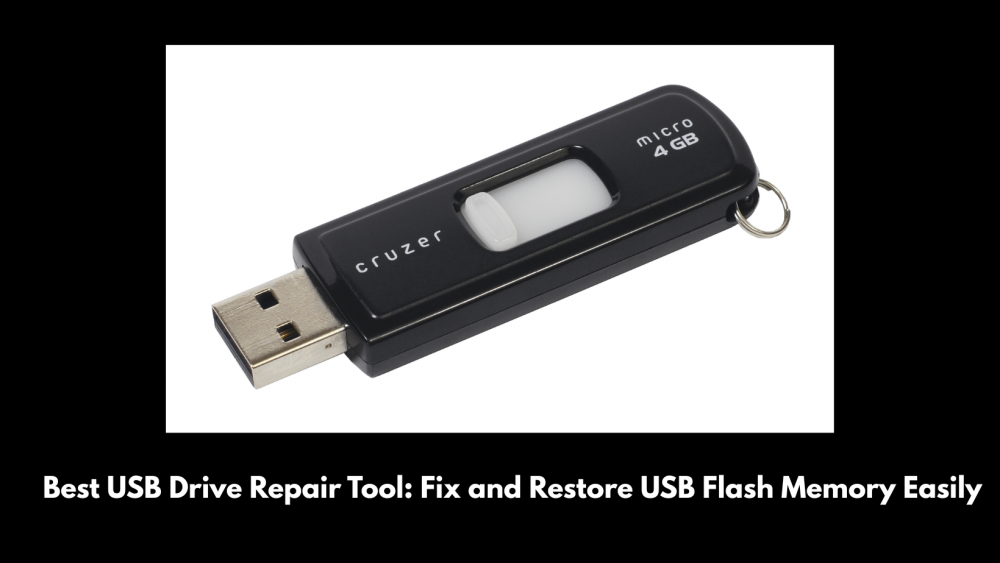
USB flash drives serve as essential devices that we use because their compact size and portable nature allow us to transfer data between different devices. The USB stick stops functioning when it becomes damaged or when it fails to display hidden data, which you already know exists. The USB drive repair tool helps solve this problem. The article demonstrates how to identify and resolve USB flash memory problems, so stay with us till the end.
Why USB Flash Memory Repair Matters
Accessing USB data becomes impossible when people need to retrieve their work documents, family pictures, or client presentations. Multiple factors lead to USB flash memory problems, which include
- Accidental formatting or deletion
- File system corruption
- Virus or malware infection
- Bad sectors or hardware glitches
A file table corruption problem exists, and sometimes the drive fails to appear in storage devices. The correct USB flash memory repair method lets you achieve better results while saving time, money, and emotional distress.
What Makes a Great USB Drive Repair Tool?
The market offers various USB repair tools, but their quality differs among different products.
- The system needs to find damaged drives while it should fix both file system problems and partition table issues
- The software must recover lost or hidden files without damaging existing data
- The system needs to function with various USB device brands and all file systems, including FAT32, exFAT, and NTFS
- The system must provide users with scanning capabilities, together with repair functions which address all system failure reasons
Some tools specialize in data recovery (getting your files back), while others focus more on the repair side, fixing logical errors so the drive becomes usable again. The ideal solution should provide both functions.
Top USB Repair and Recovery Tools
The following list contains standard tools together with their corresponding methods, which people should use to repair broken USB flash drives.
The Windows operating system includes CHKDSK as a command-line tool that users can use to repair file system errors. The tool enables users to perform basic assessments of logical error situations.
Disk Drill provides users with an all-inclusive software solution that combines advanced data recovery capabilities with intelligent scanning functions.
TestDisk enables users to recover lost partitions through its open-source software, which also allows users to restore damaged partition files.
Recuva provides users with an easy-to-use file recovery solution that conducts thorough searches to find deleted files.
Tips for Better USB Flash Memory Repair
-
Stop Using the Drive Immediately
The process of creating new files should not continue because it will result in permanent data loss, which makes retrieving lost information more difficult.
-
Backup What You Can
Before conducting any repair work, users should create backups of essential data from their drives that remain accessible.
-
Start With a Data Recovery Tool
You should first retrieve your files before executing repair procedures, which will restore your drive. This method ensures the protection of your data throughout the entire process.
If you want to find more details about the USB drive repair, you can check out the website Datarecovee where all the information is available in simple and easy words.